A Pomodoro timer built into your student to-do list
Stop juggling a timer app, a to-do app, and a study app. NowOne links every focus session to a real task — so you always know what you're working on and how far you've come.
Download free on the App Store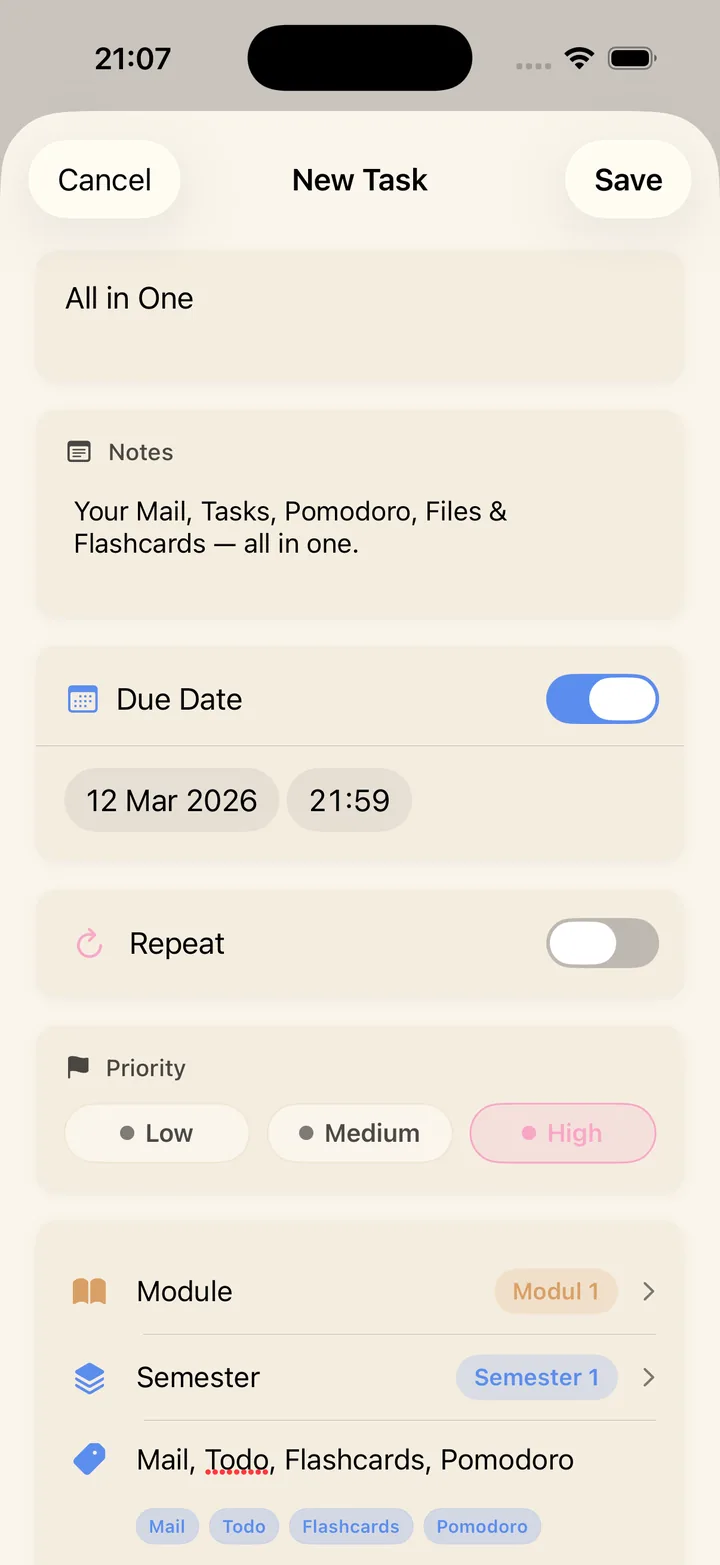
Start a focus session from the task itself
In NowOne, the Pomodoro timer isn't a separate corner of the app. Open any task — an essay, a lab report, tomorrow's reading — and start a timed focus session on it directly.
That one change fixes the biggest problem with standalone timer apps: you stop timing "studying" in the abstract and start finishing specific things on your list.
Your Today list becomes a session plan
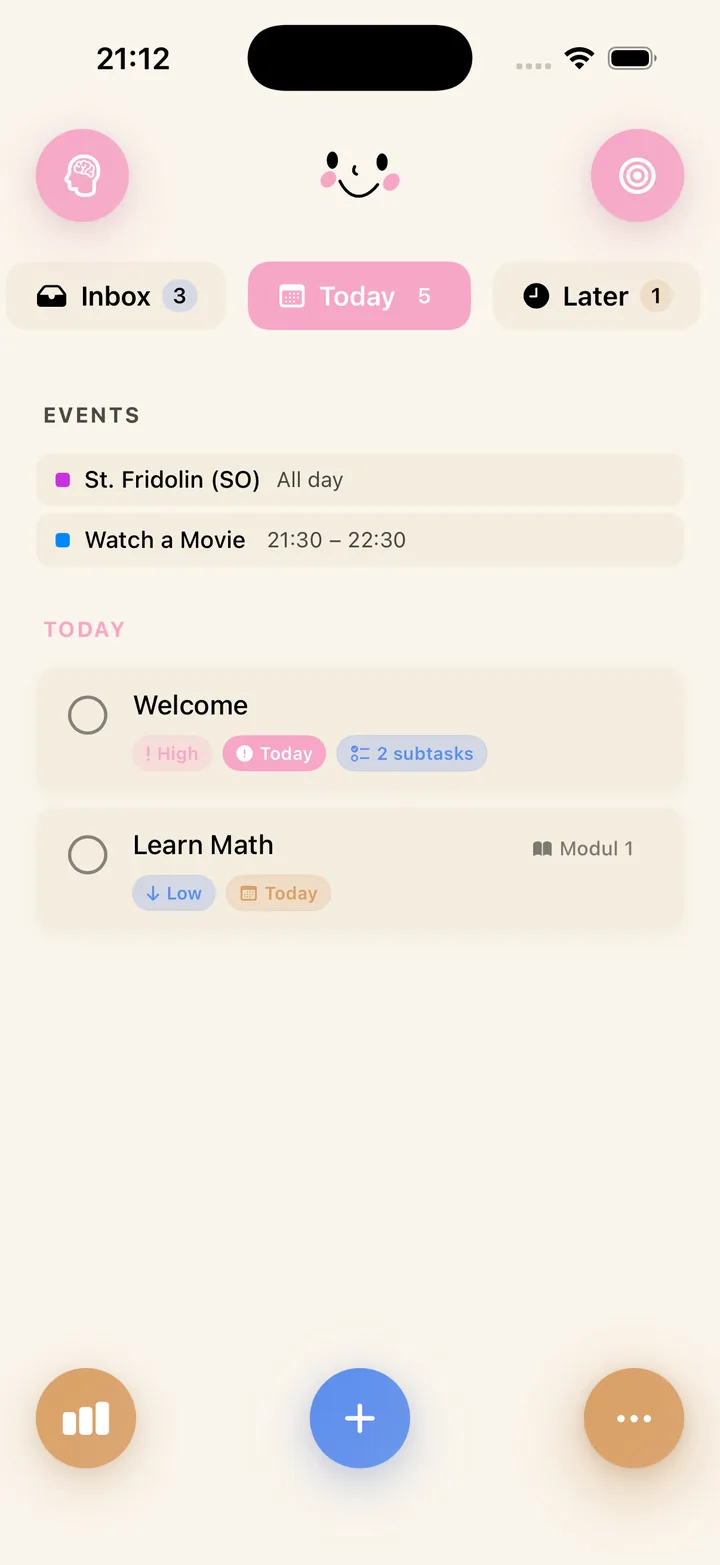
Plan your day by pulling 3–5 tasks into the Today zone, then work through them one Pomodoro at a time. Priorities and due dates are visible on every task, so the next session is never a decision — it's just the top of the list.
NowOne works as a full student planner underneath your timer: inbox for capture, calendar for deadlines, modules for structure.
Watch your focus add up
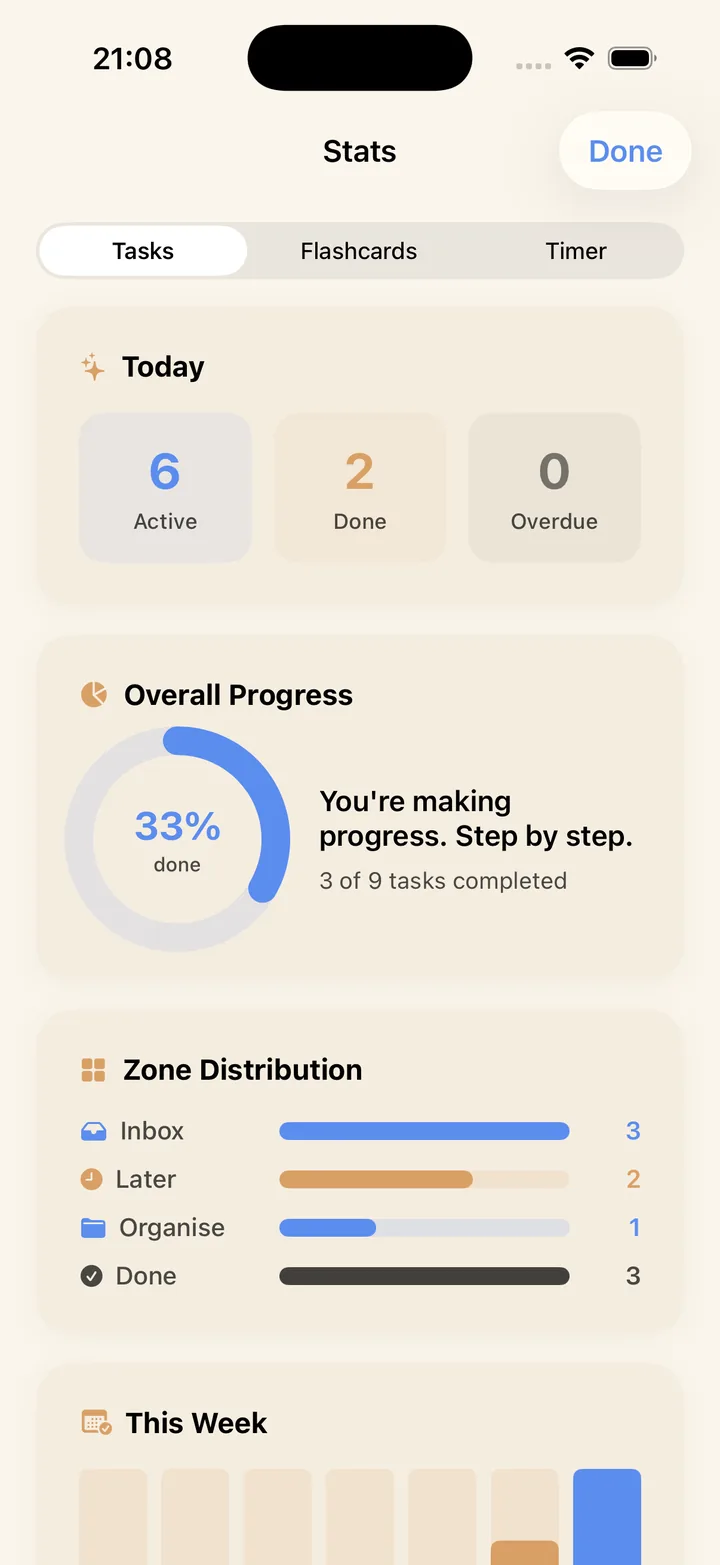
Every completed session and task feeds your stats. Seeing "done" pile up — per day, per module — is the feedback loop that keeps the habit alive well past exam week.
Studying for a test? Review the flashcards linked to your task during a session, then tick it off and take your break.